
YouTube Short Downloader: Save Shorts in HD
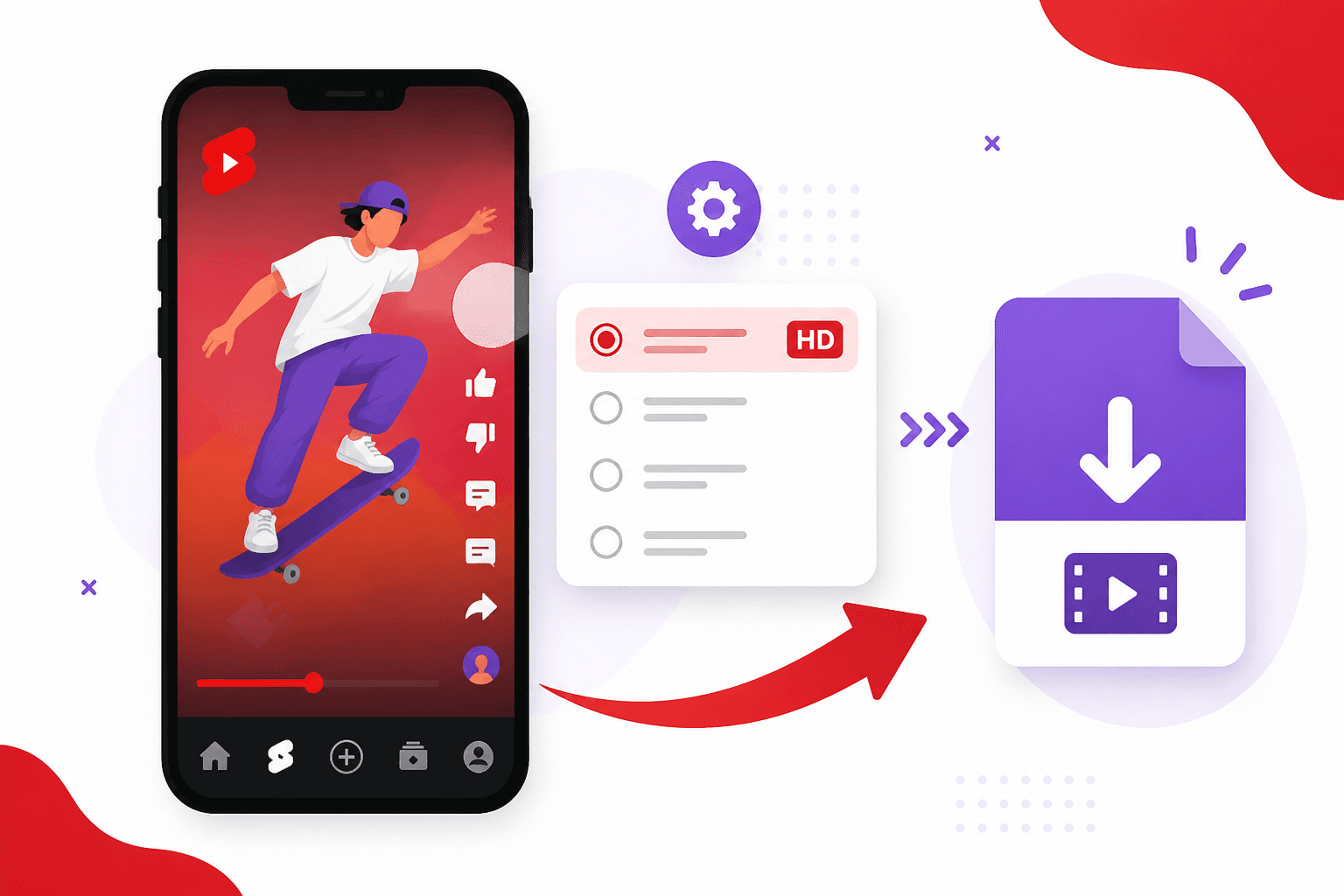
A youtube short downloader saves the actual video file to your device in HD, not a blurry screen recording with the YouTube UI on top. Copy the Shorts link, paste it into a free browser tool, pick the highest resolution offered, and store the MP4 locally. The whole process takes about two minutes on phone or desktop.
What to Know
- Shorts URLs use the /shorts/ path but share the same video ID as watch links.
- 1080p vertical is common on recent uploads. 720p caps older phone footage.
- Browser downloaders beat screen recording for bitrate and audio quality.
- Age restricted, members only, and live streams will not resolve through public tools.
- Download content you own or have rights to use. Terms still apply.
Why Save YouTube Shorts Locally
Offline playback matters on flights, subway commutes, and job sites with weak signal. Editors pull Shorts into timeline tests without re streaming from YouTube each pass. Teachers build offline lesson folders. Marketers archive ad creative from competitors before campaigns rotate out.
Local files also survive account bans, video takedowns, and region blocks. If a Short disappears, your saved copy might be the only remaining reference. Store responsibly and only download content you have rights to use or that falls under fair personal reference.
How YouTube Shorts Differ From Regular Videos
Shorts are vertical videos under sixty seconds, served through the same infrastructure as long form YouTube content but surfaced in a separate feed. URLs use the /shorts/ path instead of /watch?v=. Both formats resolve to the same underlying video ID, which is why most download tools accept either link style.
Resolution depends on what the uploader sent. Many Shorts max out at 1080 by 1920. Older phone footage might cap at 720p. A youtube short downloader cannot invent pixels that YouTube never stored. It can only give you the best stream available from Google's servers.
Step 1: Copy the Shorts URL
Open the Short in YouTube. Tap Share, then Copy Link. On desktop, copy from the address bar while viewing the Short. Links contain youtube.com/shorts/ or youtu.be with the video ID embedded.
Copy the link while viewing one specific Short full screen. Playlist URLs and channel home pages do not point to a single video file.
Step 2: Open the Downloader
Visit our YouTube downloader or the multi-platform downloader. Paste the URL. The tool recognizes YouTube Shorts alongside TikTok, Instagram Reels, and other platforms.
No account wall. No Chrome extension. The page fetches metadata and lists available quality tiers for that specific clip.
Step 3: Pick the Highest Quality
After the tool resolves the link, choose HD if multiple resolutions appear. 1080p is ideal for vertical editing. 720p is acceptable for quick reference. Lower tiers save space but look soft on modern phone screens.
Download soon after upload when YouTube still serves the full quality encode. Heavily viewed Shorts sometimes stay at high bitrate, but there is no guarantee a re-encode will look better later.
Step 4: Download and Verify
Save the MP4 to your device. Open it once to confirm audio sync and orientation. Vertical video should fill the frame without letterboxing unless the uploader added black bars intentionally.
On Android, Chrome downloads land in the Downloads app by default. iPhone users can save to Files and optionally copy to Photos for quick gallery access.
Getting the Best HD Output From Shorts
Avoid screen recording as a substitute. Recorded screens pick up compression artifacts twice and often cap frame rate below the source. Direct download preserves the bitrate YouTube assigned to that resolution tier.
If you plan to edit, download once and work locally. Re downloading the same Short after you trim and reupload introduces another generation of loss. Keep the original file in your editor project folder.
Mobile and Desktop Tips
Desktop downloads are easier to batch. Open multiple tabs with Short URLs, process each through the downloader, and name files consistently. A simple pattern like channel_topic_date.mp4 saves search time later.
Short form content on other apps follows a similar flow. If you also save Instagram Reels, our Instagram Reels download guide covers the parallel steps for that platform.
Legal and Practical Boundaries
YouTube's terms restrict downloading except where the platform provides a download button or you have separate permission from the rights holder. Personal offline viewing and licensed content you own are common safe cases. Redistributing downloaded Shorts without permission is not.
Music in Shorts may be copyrighted even when the creator uploaded it. Check usage rights before publishing elsewhere. A local file does not grant a license.
Fixing Common Download Errors
Age restricted or members only videos need official YouTube features or creator provided files. Public downloaders cannot authenticate on your behalf.
Live streams and premieres fail until the broadcast ends and YouTube processes the archive. Shorts are on demand videos, so this rarely applies unless you copied a live tab by mistake.
Slow or stalled fetches usually clear after a one minute retry. Heavy load on either YouTube or the tool can cause timeouts.
What to Do After You Save a Short
Tag files with the channel name and topic while the context is fresh. Note the original URL in a text file if you cite the clip in research or client work. Import into your editor, trim handles, and export your version rather than reuploading the raw download unless you have rights to do so.
Teams building swipe files should use a shared drive with agreed naming rules so the library stays searchable six months from now.
Frequently Asked Questions
Can you download YouTube Shorts in HD for free?
Yes. A youtube short downloader in your browser fetches the best stream YouTube serves for that clip. Most recent Shorts offer 1080p vertical video. Older phone footage may cap at 720p because that is what was uploaded.
Do YouTube Shorts links work in regular video downloaders?
Most tools accept both youtube.com/shorts/ URLs and standard watch links because they resolve to the same video ID. Paste whichever format you copied from the Share menu.
Why does YouTube not have a download button for Shorts?
YouTube wants watch time inside the app. Offline downloads through YouTube Premium cover some long form videos in certain regions, but Shorts generally require a third party tool or screen recording for local saves.
Is it legal to download YouTube Shorts?
YouTube's terms restrict downloading except where the platform provides a download button or you have separate permission from the rights holder. Personal offline viewing and content you own are common safe cases. Redistributing downloaded Shorts without permission is not.
What if the download only offers 480p?
The uploader may have sent a lower resolution, or YouTube may only expose a compressed tier for that clip. Pick the highest option listed. No downloader can add detail that was never stored on Google's servers.
Download Your First Short in HD
One URL and a browser tab is all you need. Use the free social media downloader to grab your first file. Saving Instagram Reels too? Read the Instagram Reels download guide for the same workflow on another platform.