
Best Social Media Downloader Tools in 2026
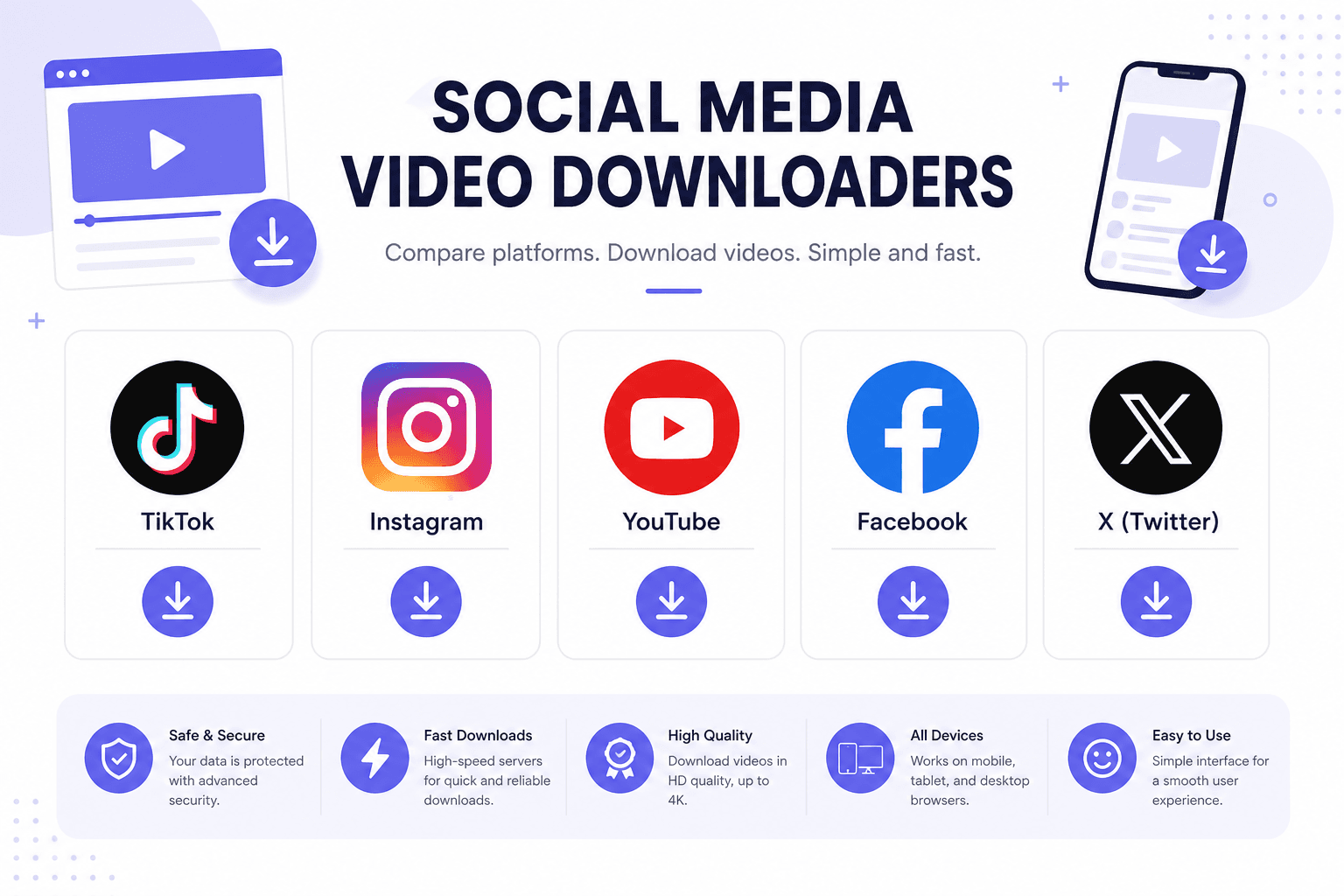
The best social media downloader setup in 2026 is a browser tab, not a folder of sketchy apps. Paste a link from TikTok, Instagram, YouTube, or Facebook, pick a quality, and save the MP4. We compared five downloader types so you can skip the trial-and-error phase and build a workflow that actually holds up past next month.
What to Know
- Browser downloaders beat install-heavy apps for most solo creators and students.
- One multi-platform page covers TikTok, Instagram, YouTube, Facebook, and Twitter/X.
- TikTok deserves a dedicated tool when you need files without the watermark overlay.
- Public posts only. Private and friends-only content will not resolve.
- Quality caps at what the uploader sent. No downloader invents 4K from a 720p source.
What Makes a Downloader Worth Using
Speed matters, but safety matters more. Good tools run in the browser, ask for nothing except a URL, and avoid executable downloads disguised as helpers. They show available resolutions honestly instead of promising 4K when the source is 720p. They work on mobile without forcing you through an app store review rabbit hole.
Bad tools slap countdown timers on the download button to push premium tiers you do not need. They bundle browser extensions that hijack search results. They disappear after three months when the developer stops paying hosting. Free does not have to mean shady, but you should recognize the difference before you paste your first link.
Downloader Types Compared
Not every downloader works the same way. Some live in your browser. Others want a permanent install. This table breaks down the five categories we see most often in 2026.
| Type | Best For | Platforms | Downside |
|---|---|---|---|
| Multi-platform browser | Daily mixed-platform workflow | TikTok, IG, YouTube, FB, X | May lack TikTok watermark options |
| Platform-specific browser | Clean TikTok files, HD Shorts | One network per page | Extra bookmark per platform |
| Browser extension | Power users on desktop | Varies by extension | Permission risks, breaks on updates |
| Mobile app | Offline-first phone users | Usually one platform | Ads, data collection, store removals |
| Desktop software | Batch downloads, teams | Often many platforms | Install overhead, update fatigue |
Our Top Pick: One Tool for Multiple Platforms
Start with our social media downloader. It handles TikTok, Instagram, YouTube, Facebook, and Twitter/X from a single page. That consolidation saves bookmarks and mental overhead. You learn one interface instead of five.
Paste any supported URL, wait a few seconds, and choose your format. MP4 for video, sometimes MP3 when you only need audio. No account wall. No daily credit system. For freelancers juggling client references across platforms, this is the default tab to keep open.
Best for TikTok: Dedicated No-Watermark Downloader
TikTok deserves its own mention because watermark behavior confuses everyone. A general downloader works fine, but a TikTok-focused page often surfaces cleaner files and clearer quality labels. When your project is TikTok-only, use the specialized route.
The TikTok downloader without watermark fetches the source upload instead of the stamped share version. Pair it with our guide on downloading TikTok videos without watermark for mobile quirks and legal basics in plain language.
Instagram Reels and Stories
Instagram fights downloading harder than most platforms. Public Reels from standard accounts usually work. Stories expire after twenty four hours, so grab them the same day if you need an archive. Private profiles stay off limits unless you are logged in as an approved follower, and even then browser tools may not help.
Reels often download without the Instagram UI chrome, which is what you want for remixes and reaction videos. Carousel posts need you to copy the specific Reel or video URL, not just the profile link. Right-click on desktop or use the share menu on mobile to get the precise address.
YouTube Shorts and Long-Form Video
YouTube offers the widest quality range and the strictest terms of service. Downloading for offline personal viewing sits in a gray zone. Downloading to reupload someone else's work does not. Know which side your project falls on.
Shorts behave like vertical TikToks in many downloaders. Long videos expose more bitrate options. Pick 1080p when available for editing. Pick 480p when you only need a reference watch before you write a script. File size scales fast above ten minutes.
Facebook and Twitter/X Clips
Facebook videos hide behind layers of redirects. Paste the full watch URL, not a share wrapper from Messenger. Twitter renamed to X but video links still flow through the same copy-link flow in the app. GIF-like loops sometimes save as MP4, which is normal and actually easier to edit than a true GIF.
When Paid Downloaders Actually Make Sense
Free browser tools cover solo creators, students, and freelancers who save a handful of clips per week. Paid tiers start to matter when a team needs batch queues, API access, cloud storage, and someone to call when a platform changes its embed rules overnight.
Agencies archiving hundreds of client ads per month sometimes justify a subscription. Everyone else should try the free route first and upgrade only when paste-and-save becomes a genuine bottleneck, not because a countdown timer made you nervous.
Tools We Skip in 2026
Random APK files from forums: hard pass. Browser extensions with thousands of reviews but vague permissions: also pass. Desktop programs that demand admin install for a task a webpage handles: pass again. Telegram bots that vanish after a week: fun until your half-finished project loses its only working link.
Paid tiers make sense for teams that need batch queues, cloud storage, and SLA support. Solo creators and students rarely need that overhead. Free browser tools cover ninety percent of real workflows if you accept manual paste-and-save steps.
Mobile vs. Desktop: Where to Download
Mobile wins for speed when you spot content in the feed and want it before it gets deleted. Desktop wins for organization, renaming, and dragging files straight into an NLE timeline. Use both. Save on phone during commute, transfer via AirDrop or Google Drive, edit at your desk.
Safari on iOS sometimes previews instead of downloading. Use the share sheet or switch browsers. Android notifications make progress visible. Neither platform needs a native app if the site is built responsively.
Building a Simple Download Workflow
Create a bookmarks folder called Download. Put the unified social media downloader at the top. Add the TikTok-specific page and platform guides below it. When inspiration strikes, copy link, open folder, paste, save. Four seconds of habit beats twenty minutes hunting for a tool that used to work last month.
Browse our full free social media tools collection for caption generators, hashtag helpers, and other utilities that pair with your download workflow.
Frequently Asked Questions
What is the best social media downloader for multiple platforms?
A multi-platform browser downloader handles TikTok, Instagram, YouTube, Facebook, and Twitter/X from one page. You learn one interface, bookmark one tab, and paste any supported URL. For TikTok-only projects where watermarks matter, pair it with a dedicated TikTok downloader.
Are free social media downloaders safe to use?
Browser-based tools that only ask for a URL are generally safer than random apps from unknown developers. Avoid extensions with vague permissions, APK files from forums, and sites that push executable downloads disguised as helpers. If a tool demands your social login, close the tab.
Can I download private Instagram or Facebook videos?
No. Public downloaders only access content visible without authentication. Private profiles, friends-only posts, and age-restricted videos require login credentials that browser tools cannot provide on your behalf.
Do I need different downloaders for Reels, Shorts, and TikToks?
Not necessarily. A solid multi-platform tool treats vertical short-form video the same way across sites. Platform-specific pages sometimes surface cleaner files or clearer quality labels, but the paste-link-save workflow is identical.
Is downloading social media videos legal?
Downloading for personal offline reference or content you own is common. Redistributing, selling, or reposting someone else's video without permission may violate copyright and platform terms. The downloader is a tool. How you use the file is your responsibility.
Start Downloading From Any Platform
One bookmark covers TikTok, Instagram, YouTube, Facebook, and X. Open the free social media downloader and paste your first link. Add the TikTok downloader when you need clean files without the watermark.