
Facebook Reel Downloader: How to Save Videos and Reels
A facebook reel downloader saves the actual MP4 to your phone or computer, not just a bookmark inside the Facebook app. Copy the video link, paste it into a free browser tool, and download the file in under a minute. This guide covers public Reels, Watch clips, and timeline videos with no shady app install required.
What to Know
- Facebook Save stores a link, not a file on your camera roll.
- Public posts and Reels work. Private groups and friends-only videos do not.
- Copy the full watch URL, not a Messenger share wrapper.
- Expect 720p on many Reels because Facebook compresses uploads.
- Live streams and active Stories need different handling than finished posts.
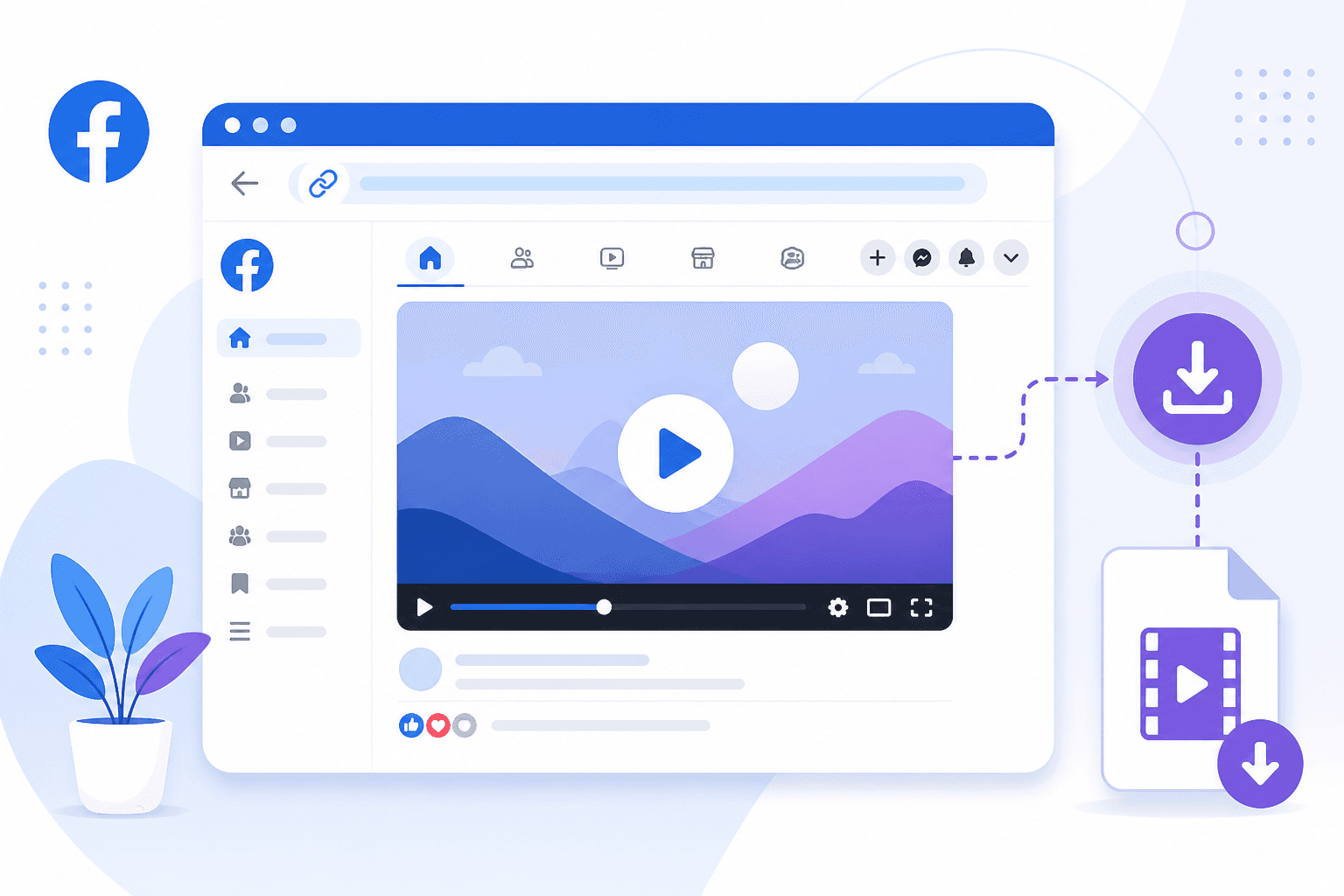
Why Facebook Does Not Give You a Real Download Button
Facebook wants you inside the app. Watch time, ad impressions, and sharing all happen on their platform. The built-in Save option stores a reference to the post in your saved collection, not an MP4 on your camera roll. If the original poster deletes the video or changes privacy settings, your saved link breaks.
Creators who post original work sometimes disable downloads on purpose. Respect that when you see it. For everything else that is public and meant to be shared, a downloader pulls the direct video stream so you can keep a local copy for personal reference.
What a Facebook Reel Downloader Actually Does
These tools read the video URL you paste in and locate the media file Facebook serves to your browser. Reels, Watch videos, and standard timeline posts all use slightly different page structures, but a solid multi-platform downloader handles each format without you needing to know the difference.
Our Facebook video downloader and multi-platform downloader support Facebook alongside TikTok, Instagram, YouTube, and Twitter. One page, one workflow. Paste a link, pick a quality tier if offered, and save the file. No account creation, no desktop software install.
Step 1: Copy the Facebook Video URL
Start on the Reel or video you want. On mobile, tap the three-dot menu or Share button and choose Copy Link. On desktop, click the post timestamp to open the video on its own page, then copy the URL from your address bar. Short links and full links both work with most downloaders.
Messenger share wrappers sometimes add tracking parameters. They usually still resolve, but copying directly from the post page is more reliable when a download fails on the first try.
Step 2: Paste Into the Downloader
Open the social media video downloader in a new tab. Paste the URL into the input field and submit. The tool fetches metadata, shows available resolutions, and presents a download button.
Processing usually takes a few seconds. Facebook videos hide behind layers of redirects, so a short wait is normal. Refresh once if the page times out.
Step 3: Save the MP4 File
Tap or click the download button, then confirm the save location on your device. On iPhone, files usually land in the Downloads folder inside Files app. Android puts them in Downloads or asks where to save. Desktop browsers drop the MP4 straight into your default downloads directory.
Rename the file right away if you plan to edit it later. Facebook default filenames are long random strings. A name like bakery_reel_march_demo.mp4 beats a forty character hash when you search your drive next week.
Video Quality and Format Notes
Facebook compresses uploads aggressively. A Reel that looked sharp in the feed might download at 720p even if the source was 1080p. That is a platform limitation, not a downloader bug. When the tool offers multiple quality options, pick the highest available. If only one stream exists, take it.
Most downloads arrive as MP4 with H.264 video and AAC audio. That combo plays everywhere: CapCut, Premiere, iMovie, VLC. If you need a different container for a specific editor, convert after download with HandBrake or your editor's built-in import.
Mobile vs Desktop: Which Works Better
Both work fine. Desktop gives you a bigger screen for checking the preview and managing files. Mobile is convenient when you are scrolling Facebook on your phone and want to save something immediately. Use whichever device you are already on.
One mobile tip: if the download button opens a video player instead of saving, long-press the video and look for a Save or Download option in the context menu. Some mobile browsers handle file saves differently than desktop Chrome or Firefox.
Troubleshooting Failed Downloads
Private group posts, friends-only videos, and age-restricted content will not work. The downloader can only access what your browser could see without logging in as the poster. Double-check that the post is public before assuming the tool is broken.
Expired links cause trouble too. Facebook share URLs with tracking parameters still work, but very old links sometimes redirect to a login wall. Copy a fresh link directly from the post and try again.
Live streams and Stories are a different category. Most downloaders target finished video posts and Reels, not active broadcasts. Wait until a live video is archived as a regular post if you want to save it.
Staying on the Right Side of Copyright
Downloading for personal offline viewing is one thing. Re-uploading someone else's content without permission is another. If you are a creator saving your own backups, you are fine. If you are a marketer pulling competitor ads for internal review, keep files internal. Public reposting without credit can get accounts flagged on any platform.
Downloading From Other Short-Form Platforms
Facebook Reels share DNA with vertical video on other apps. The same social media downloader handles TikTok, Instagram, and YouTube from one bookmark. Copy link, paste, save. The URL source changes. The habit does not.
Bookmark the downloader page if you pull videos from multiple networks during the week. One bookmark beats hunting for a new site every time Facebook changes its page layout, which happens more often than anyone would like.
Frequently Asked Questions
How do I download a Facebook Reel without an app?
Copy the Reel link from Facebook, paste it into a browser-based facebook reel downloader, and save the MP4. No app store install, no login, and no desktop software required for public posts.
Why does Facebook not give you a real download button?
Facebook wants watch time inside the app. The built-in Save option stores a reference to the post in your saved collection, not an MP4 on your camera roll. If the poster deletes the video, your saved link breaks.
What video quality can I expect from Facebook downloads?
Facebook compresses uploads aggressively. Many Reels download at 720p even when they looked sharp in the feed. Pick the highest tier the tool offers. A 1080p source that Facebook downscaled will not become true HD after download.
Can I download videos from private Facebook groups?
No. Public downloaders only access content visible without logging in as a group member. Friends-only posts, private group videos, and age-restricted content will fail.
Is it legal to download Facebook Reels?
Saving your own videos for backup is straightforward. Downloading someone else's content for personal reference is common but may conflict with Facebook's terms. Reposting without permission can trigger copyright claims. Keep internal use internal.
Save Your First Facebook Reel Now
Copy the link, paste it, download the MP4. Open the free social media downloader and try it on a public Reel you own or have permission to save.